A Transformative Moment for Creatives
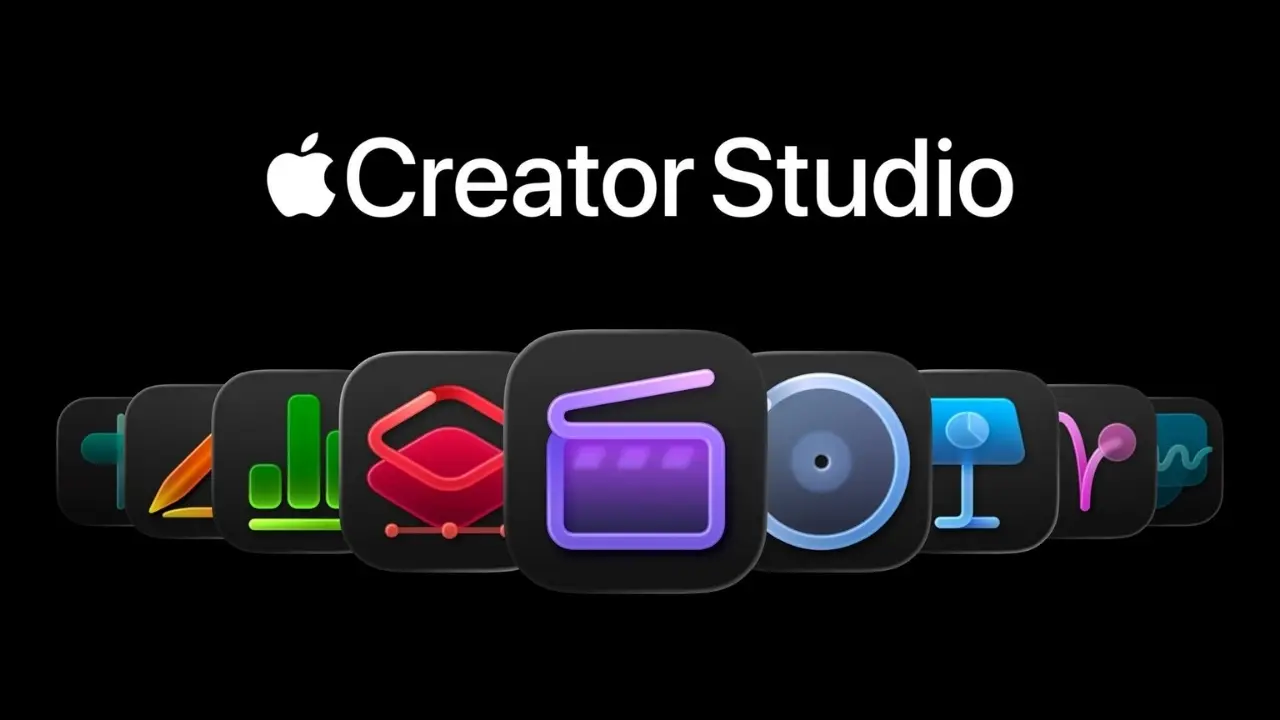
Apple has officially unveiled Apple Creator Studio, a subscription-based suite featuring a diverse array of powerful creative applications. Announced on January 13, 2026, this initiative aims to support artists, content creators, students, and educators by providing tools that simplify intricate creative workflows while integrating cutting-edge artificial intelligence capabilities.
The suite combines flagship applications like Final Cut Pro, Logic Pro, and Pixelmator Pro alongside robust features in productivity tools such as Keynote, Pages, and Numbers, creating a seamless environment to address a broad range of creative tasks. This offering arrives during a time when digital content creation requires tools that integrate video, audio, design, and productivity seamlessly.
Creator Studio is set for release on January 28, 2026 and will be accessible via the App Store on a subscription basis tailored to both seasoned professionals and newcomers just embarking on their creative journeys.
A Comprehensive Look at Apple Creator Studio
Bundling Premium Creative Applications
At its essence, Apple Creator Studio serves as a subscription package that melds some of Apple’s most potent creative applications. Instead of purchasing individual software, users can subscribe to access a collective suite encompassing:
-
Final Cut Pro: Professional-grade editing tools featuring enhanced intelligent capabilities.
-
Logic Pro: Advanced software for music production and sound design.
-
Pixelmator Pro: A sophisticated app for image editing and creative imaging.
-
Motion: A graphics design tool focused on 2D and 3D effects.
-
Compressor: Utility for media compression and encoding.
-
MainStage: Environment for live performance and sound processing.
These essential tools empower users to produce professional-caliber work across multiple platforms without the hassle of managing separate licenses or disrupted workflows.
In addition to the aforementioned applications, subscribers will have access to premium content and intelligent enhancements in Apple's productivity apps, while support for Freeform will be available in the future. This integration enhances the familiar Apple ecosystem, providing superior functionality for creativity-oriented tasks in storytelling, design, presentations, and data management.
Flexible Options for Users
Apple assures that users who have previously purchased any of these creative tools can continue to use them indefinitely. Existing users are not compelled to switch to a subscription but may choose to do so to unlock new features and premium content.
This dual model—offering both subscription and perpetual license options—provides flexibility to users with different requirements. Casual users can remain with one-time purchases, while power users can take advantage of the expansive offerings of a subscription.
Highlighting Key Applications
Final Cut Pro: Elevating Video Editing
As a pivotal component of Creator Studio, Final Cut Pro is celebrated for its extensive video editing features. Apple has integrated numerous intelligent features to enhance workflow efficiency, including:
-
Transcript Search: Enables rapid search of dialogue or audio by keywords.
-
Visual Search: Utilizes object detection to find specific visuals quick.
-
Beat Detection: Visualizes music rhythms for precise editing.
-
Montage Maker: AI-assisted timeline creation streamlining clip organization.
These enhancements are tailored to minimize routine tasks, allowing creators to focus on the art of storytelling.
The video editing capabilities are further accentuated through deep hardware integration with Apple silicon, delivering peak performance for tasks including rendering and real-time effects processing across both Mac and iPad.
Logic Pro: A New Frontier of Sound Creation
Logic Pro within Creator Studio provides advanced AI-assisted features to cater to both professionals and newcomers. Newly introduced tools such as Synth Player and Chord ID facilitate sound crafting and musical composition, streamlining the production process.
Logic Pro also benefits from Apple’s expansive ecosystem, allowing tracks to integrate seamlessly with video projects in Final Cut Pro or other creative formats.
Pixelmator Pro: Enhancing Design and Artistry
Pixelmator Pro, now with full Apple Pencil support on iPad, offers extensive options for image editing, digital artistry, and design. Users can:
The iPad version optimizes user engagement through touch and Apple Pencil, merging creativity with precision for designers and photographers.
Completing the Creative Process: Motion, Compressor, and MainStage
Apart from video and audio capabilities, Creator Studio encapsulates further applications that finalize diverse creative tasks:
-
Motion: Enables advanced motion graphics and cinematic special effects.
-
Compressor: Works in tandem with Final Cut Pro for meticulous output settings.
-
MainStage: Empowers live audio manipulation for musicians and producers.
These applications add valuable capabilities that support deeper creative endeavors.
AI Features and Cross-App Integration
Streamlined Processes with AI Enhancements
A standout feature of Apple Creator Studio is the AI-driven intelligent features available throughout its applications. Designed to minimize mundane tasks, these tools assist creators in producing higher quality projects more efficiently. Examples include:
-
Smart search tools for faster content retrieval.
-
AI-enhanced editing to minimize routine refinements.
-
Creative suggestions that empower fluid experimentation.
This inter-app intelligence supports complex multimedia projects that traverse various creative fields such as scoring original music for films, blending visuals with audio, or designing assets that amalgamate photography, motion graphics, and typography.
Boosting Productivity in Keynote, Pages, Numbers, and Freeform
Beyond the primary creative applications, Creator Studio enriches productivity tools that users find indispensable. These encompass:
-
Keynote: Enhanced templates and intelligent visual suggestions.
-
Pages: Expanded design functionalities for creative documentation.
-
Numbers: Intelligent data handling features.
-
Freeform: Soon to be upgraded to enhance collaborative brainstorming.
These upgrades fortify the productivity suite when aligned with core creative tools, facilitating management of presentations, projects, and content within an integrated environment.
Pricing and Subscription Plans
Apple Creator Studio will debut on January 28, 2026, via the App Store with several subscription models designed for accessibility:
-
Standard Subscription: $12.99 monthly or $129 annually.
-
Education Plan: $2.99 monthly or $29.99 annually for students and educators.
-
One-Month Free Trial: Offered to all new users.
Additionally, Apple offers a Family Sharing feature, enabling subscription sharing among up to six family members.
Market Position and Competitor Analysis
Apple's subscription places Creator Studio in direct competition with established creative suites like Adobe Creative Cloud, which typically carries a higher price. Moreover, initial industry feedback suggests that Apple's competitively priced subscription, alongside integrated features, could draw diverse creators—from independent artists to professional studios.
Furthermore, the inclusion of intelligent capabilities and the seamless interconnectivity across devices strengthens Apple's position against competitors with less cohesive tools.
Empowering Educational and Creative Communities
Apple Creator Studio also prioritizes education and creative encouragement. Offering reduced pricing for students and educators allows learners to utilize the same top-tier tools as industry experts, potentially cultivating a new generation of skilled creators across disciplines.
Educational institutions may unlock value through this suite for courses in digital media, student film productions, and interdisciplinary projects that meld art, technology, music, and communication.
Future Challenges and Prospects
While Apple Creator Studio signifies a bold shift toward subscription-based creative solutions, it provokes questions regarding subscriber fatigue and shifting user preferences. Some creators may prefer classic one-time purchases, while others may lean towards the benefits of continual updates and AI enhancements.
Moving forward, Apple’s triumph with Creator Studio may hinge on unceasing innovation, timely updates, and robust support for workflows that resonate with contemporary content creation needs.
Conclusion: A Groundbreaking Initiative for Creators
Apple Creator Studio marks a significant step in extending Apple’s creative ecosystem, merging professional-grade tools with intelligent features in a convenient subscription format. This initiative illustrates Apple’s acknowledgment that creativity demands versatile tools capable of managing video, audio, design, motion graphics, and productivity within a cohesive experience.
With an attractive pricing structure, support for educators and students, and the unparalleled capabilities of Apple silicon, Creator Studio stands ready to transform how artists envision and realize their creative projects.
Disclaimer:
This article serves informational purposes only and does not constitute financial, legal, or professional guidance. Pricing and features are based on Apple’s announcements and may change over time.