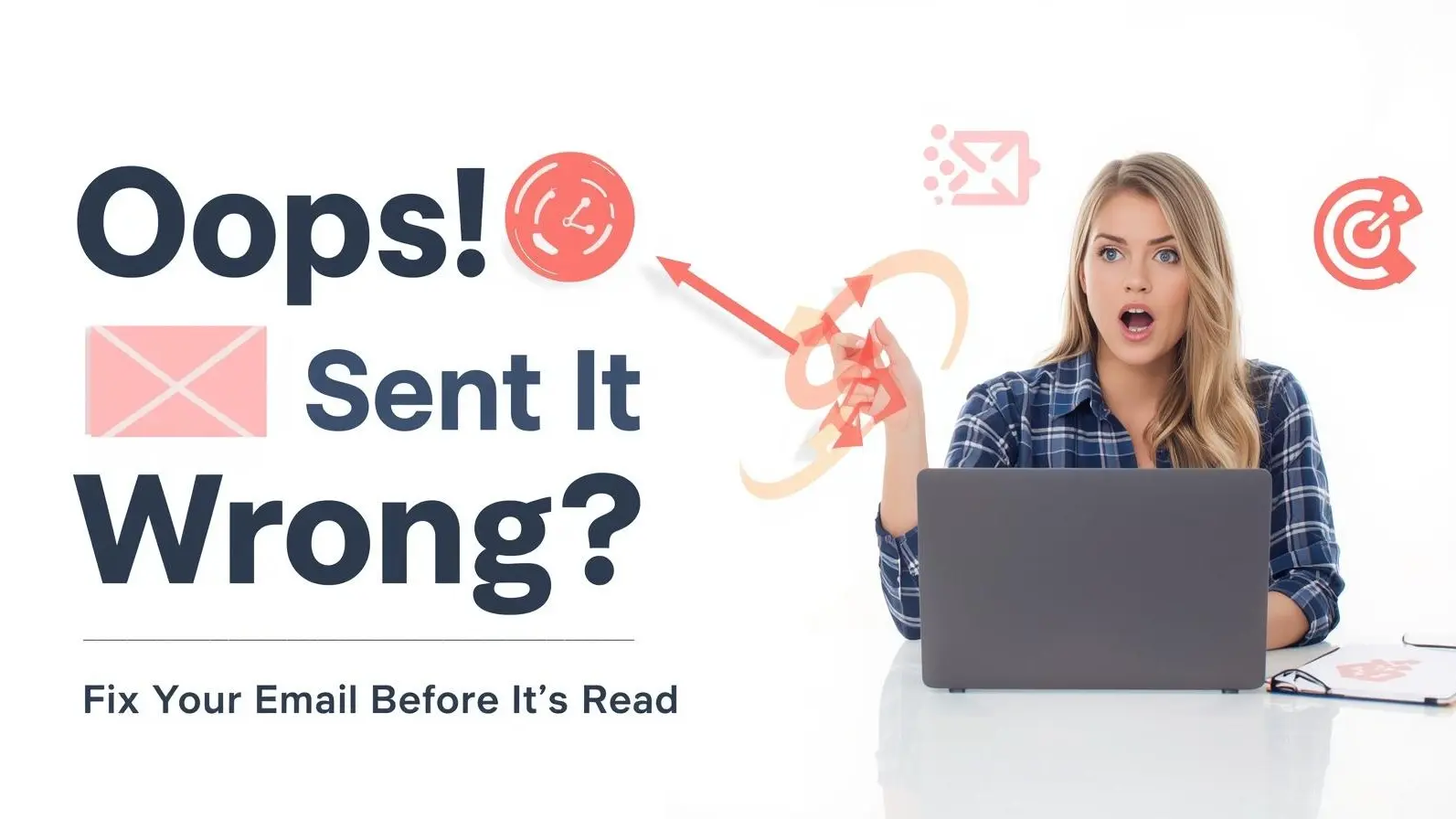
Oops! Sent an Email by Mistake? Here's How to Fix It Quickly
We’ve all been there—pressing send and realizing instantly that we made an error. Whether it’s a missing attachment, incorrect recipient, or typos, that moment of dread is relatable.
Fortunately, modern email platforms provide options to recover or halt a message, but success greatly depends on your prompt action and the specific service you're using.
How the “Unsend” Feature Actually Works
Many assume that unsending an email means erasing it from the recipient’s inbox. Unfortunately, that's not how it functions on most platforms.
Most services grant a brief delay after sending, giving you a window to retract the email before it officially leaves your account.
Once that time elapses, the email is dispatched, and your options start to dwindle.
How to Prevent an Email from Sending in Gmail
If you’re a Gmail user, you’ll see a notification right after sending an email. It features an “Undo” button that allows you a quick reversal.
The default duration is brief, but feel free to extend it via settings. Increasing it to 20 or 30 seconds enhances your chances of catching errors.
Recalling Emails with Outlook
In the case of Microsoft Outlook, the approach differs slightly as it offers a recall feature.
This allows you to attempt to retrieve a sent email, but there are certain prerequisites:
- Both sender and recipient must be on Outlook within the same organization
- The message needs to be unread
- Certain configurations must be enabled
If all conditions are met, you may successfully replace the original email with a modified one. If the recipient has opened it, however, your recall attempt fails.
If Your Email Is Already Sent?
No need to fret if you've missed the chance to stop an email; there are still ways to mitigate the fallout.
A prompt follow-up message expressing apology along with correct details can solve most problems.
If the email went astray to an unintended recipient, kindly ask them to discard or ignore it. While you can't enforce compliance, many people will be understanding.
Common Email Blunders
Mistaken emails typically stem from ordinary slip-ups.
Some frequent errors include:
- Picking the wrong contact from suggestions
- Forgetting to attach essential files
- Sending unclear or unfinished messages
- Hastily sending without reviewing
- Providing incorrect information
These blunders are common, especially when you’re juggling multiple tasks or in a rush.
Helpful Habits to Prevent Email Mix-Ups
A few simple habits can help you evade email errors going forward.
Always verify the recipient’s address before hitting send—this is a top source of mistakes.
Taking a moment to proofread your message helps identify spelling mistakes, missing details, or vague wording.
Consider utilizing scheduled sending, enabling you to delay emails for further review before dispatch.
Additionally, attaching files ahead of writing the message can prevent forgetting.
Why Swift Action is Key
When fixing email errors, speed is critical. Quick reactions boost your chances of intercepting the message or mitigating its impact.
Even if undoing isn’t possible, rapidly sending a correction spotlights professionalism and accountability.
Delaying your response may lead to misunderstandings, especially in a professional context.
Valuable Tools for Safety
Modern email applications offer additional safety features to help avert errors.
These tools include:
- Options for delayed sending
- Alerts for missing attachments
- Email tracking functionalities
Employing these tools grants you greater control and minimizes accidental mistakes.
Disclaimer
This article serves informational purposes only. Features like undo or recall may vary by platform, and are not always effective once a message has been opened. Always review your emails cautiously before sending.
FAQs
Can I recover an email after a long time?
Generally, most email services permit cancellation only in a few seconds post-sending.
Will the recipient be notified if I cancel an email?
No, if you stop it within the allowed timeframe, it won’t appear in their inbox.
Is email recall always successful?
No, the recall function only works under certain conditions and can fail if the email has been read.
What steps should I take after sending an incorrect email?
Sending a quick correction or an apology message will help clarify the error.
Can all email mistakes be completely avoided?
Not always, but diligent reviewing and utilizing delay features can greatly minimize errors.