The Slow Decline You Didn’t Notice
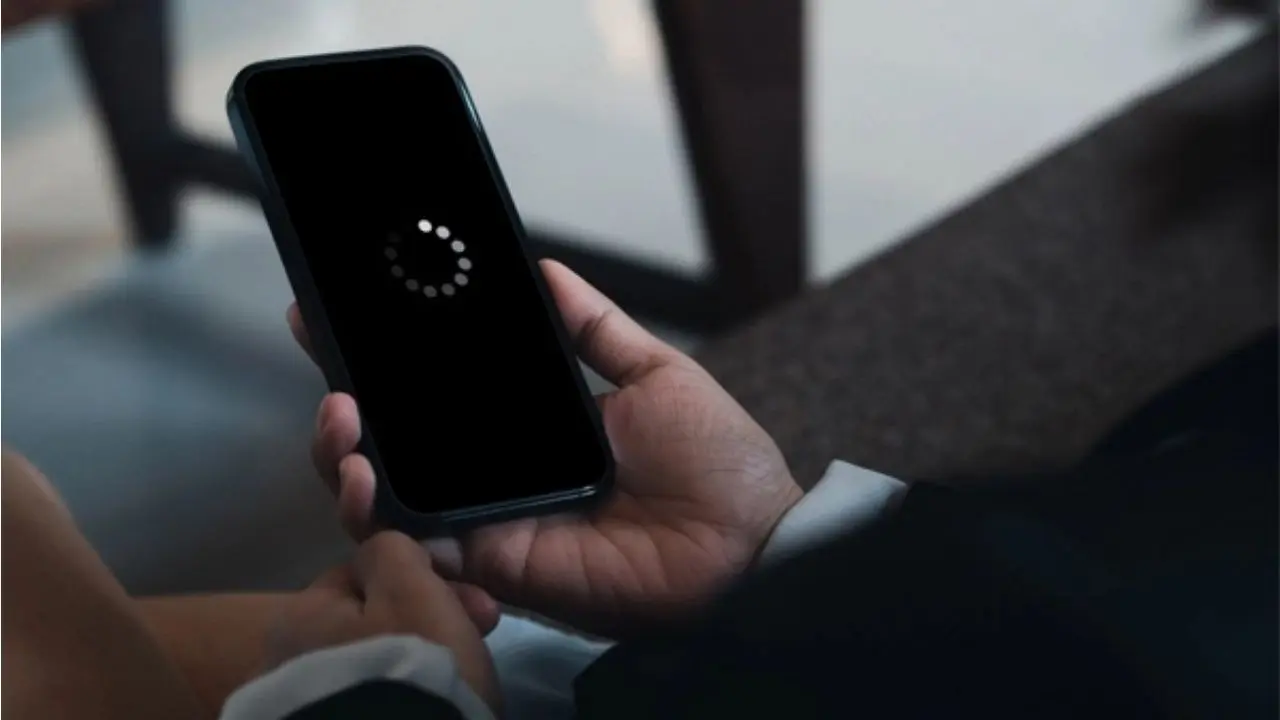
When you first unbox a new smartphone, everything feels effortless. Apps open instantly. The camera responds without hesitation. Animations are silky smooth. And then, slowly, something changes. Pages begin to load one second longer. The keyboard lags behind your fingers. The battery no longer lasts a full day. Eventually, the phone you once loved feels like it’s struggling just to keep up.
Many people assume this slowdown is deliberate, part of some hidden strategy to push upgrades. While planned obsolescence is a widely debated subject, the reality is more complex and far less dramatic. Phones don’t slow down because they want to. They slow down because everything around them changes faster than they can adapt without maintenance.
Your operating system evolves. Apps grow heavier. Storage fills. Batteries wear. Software expectations rise. And your device, which was lightning-fast two years ago, is now marching through deeper digital mud.
The good news? A slow phone is often not a dead phone. In most cases, performance can be improved with disciplined habits instead of costly replacements. Understanding the problem turns frustration into control.
Let’s break down what really causes phone slowdown—and what you can realistically do about it.
The Real Reasons Your Phone Gets Slower
Technology Moves Faster Than Hardware
Every year, operating systems become smarter, heavier, and more capable. New features demand more resources. Apps gain updates that enhance performance, add animations, and expand functionality. All of this is wonderful—but it also requires stronger processing power and memory.
When your phone launched, it was perfectly tuned for that era. But software development never stops. As systems evolve, your device remains fixed in time. Eventually, the software grows taller than the hardware that supports it.
Your phone is not getting worse.
The world around it is getting bigger.
Battery Age Slows Performance
Battery health plays a far larger role than most users realize.
How an Old Battery Affects Speed
Lithium batteries degrade naturally. Over time, they cannot deliver the same voltage consistently. When power output becomes unstable, the processor slows down intentionally to prevent crashes or data corruption.
This is not sabotage.
It is chemistry protecting your phone.
A tired battery can make your device act tired too.
Signs Battery Age Is Hurting Performance
Your phone isn’t lazy.
It’s exhausted.
Storage Overload Is Silent Strangulation
Phones rely on fast access to storage memory. But as space fills up, the system struggles to breathe.
Why Full Storage Kills Speed
When your phone approaches maximum capacity, it loses space for:
This reduces performance instantly.
Think of storage like a workspace.
The messier it gets, the harder it is to work.
Background Apps Drain Resources
Many apps continue running when you’re not using them.
What Happens Behind the Scenes
-
Social apps refresh feeds
-
Streaming apps cache data
-
Games hold memory
-
Cloud services sync
-
Maps ping location constantly
All of this consumes processing power and memory.
Your phone isn’t slow.
It’s busy doing things you never asked it to do.
Software Updates Are a Double-Edged Sword
Why Updates Both Help and Hurt
Updates often:
-
Patch security flaws
-
Improve stability
-
Introduce features
-
Change interface design
But they also:
-
Increase memory usage
-
Demand higher processing
-
Add background services
The update makes your phone better—but also heavier.
Not every update is built with your specific model in mind.
Apps Are Getting Bigger—Not Smarter
Modern apps are not light software. They are entire ecosystems now.
What Changed Over the Years
Messaging apps now integrate:
-
Video calls
-
AI features
-
Cloud sync
-
Payment services
-
Status updates
-
Filters and effects
A single app today is heavier than several apps used to be combined.
You’re not installing apps anymore.
You’re installing systems.
Your Phone Collects Digital Dust
Just like a cupboard fills with forgotten objects, phones fill with leftovers from past behaviour.
What Digital Clutter Looks Like
Over time, these fragments accumulate and quietly slow everything down.
Heat Is the Enemy of Speed
Phones are not fans of heat.
Why Overheating Causes Lag
Heat forces the processor to slow itself to prevent damage. This is called thermal throttling. When your phone warms up, performance drops automatically.
Common causes include:
-
Heavy gaming
-
Hot environments
-
Fast charging during use
-
High mobile data usage
-
Too many background apps
Your phone is not malfunctioning.
It is protecting itself.
What You Can Actually Do to Fix It
Start With Storage
Your first and best move: clean up.
What To Delete Immediately
Target at least 20% free space for optimal performance.
Restart Weekly
One of the most underestimated solutions.
Restarting clears memory, resets stuck apps, and refreshes system processes.
Once per week is enough.
Control Background Activity
Limit Background Permissions
Check which apps:
-
Use location
-
Run in background
-
Auto-refresh
-
Monitor activity
Restrict what you don’t need.
Update Selectively
Updates are important—but not blindly.
Use Practical Update Strategy
Not every update makes life better.
Reduce Animations
Animations look pretty but cost power.
How This Helps
Reducing animations:
-
Speeds app transitions
-
Lowers CPU load
-
Improves responsiveness
Speed increases when visuals decrease.
Clear Cache Regularly
Apps store temporary files.
Why Clearing Cache Helps
-
Boosts loading times
-
Frees space
-
Removes corruption
-
Fixes crashing apps
Clearing cache does not erase personal data.
It just sweeps the floor.
Manage Widgets and Live Wallpapers
Moving graphics drain performance continuously.
Simplify Your Home Screen
Your battery and processor will thank you.
Replace the Battery If Needed
If your phone is over two years old and slowing badly, battery replacement can feel like a new phone.
A fresh battery restores:
-
Processor confidence
-
Charging efficiency
-
App speed
-
System stability
If your phone slows dramatically even with empty storage—battery is likely the culprit.
Avoid Task Killer Apps
They promise miracles. They deliver nothing.
Task killers:
-
Consume resources
-
Fight system behaviour
-
Drain battery
-
Cause crashes
Modern operating systems already manage memory better than any third-party app.
Installing a cleaner is rarely the solution.
Do a Factory Reset (As a Last Option)
If problems persist after cleaning and updating:
Factory Reset Can Help When:
Backup data first.
This clears corruption, clutter, and software confusion.
When To Accept That It’s Time
No device lasts forever.
If your phone is:
Then the issue is not maintenance.
It is age.
Technology ages like humans—not suddenly, but undeniably.
Common Myths About Phone Slowdown
Myth: “They slow phones on purpose.”
Reality: Software evolves faster than hardware can.
Myth: “Clearing RAM daily is necessary.”
Reality: Constant cleaning harms performance.
Myth: “More apps mean faster phone.”
Reality: Each app consumes background resources.
Myth: “A new phone is the only solution.”
Reality: Most slowdowns are repairable.
How To Keep Your Phone Fast Long-Term
Build Smart Habits
Treat your phone like a machine, not magic.
Teach Your Phone What Not to Do
Disable:
Performance improves when the system does less.
Final Thoughts: Slow Doesn’t Mean Broken
A slow phone is often a neglected phone—not a dying one.
Most performance issues are reactions to:
-
Software bulk
-
Storage chaos
-
Battery age
-
Background overload
Fixing them isn’t complicated.
It’s disciplined.
Before you replace your device, restore it.
Because sometimes, all your phone needs is not an upgrade—
It just needs your attention.
Disclaimer
This article is for general informational purposes only. It does not replace certified technical advice or professional device repair guidance. Readers should assess hardware condition and consult authorized technicians when necessary.