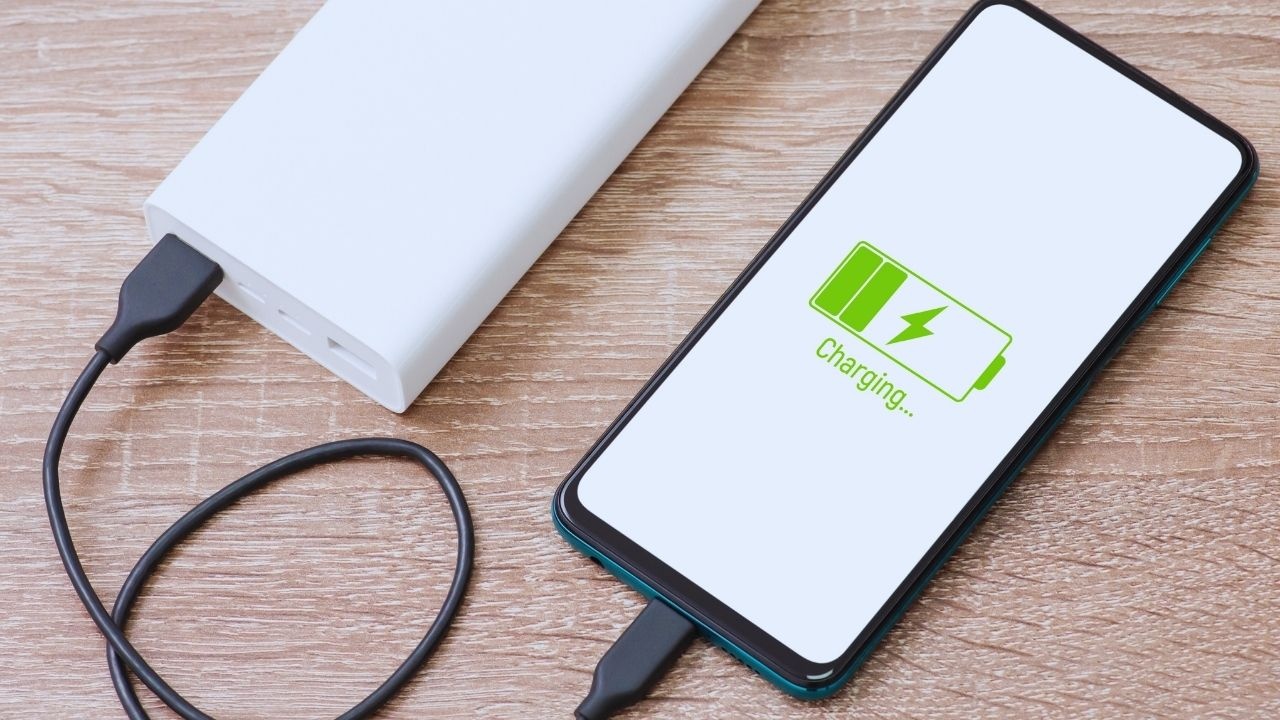
Modern technology brings on a new kind of anxiety: battery anxiety. Few things cause more stress than watching your smartphone's battery drop from 40% to 10% while you’re trying to catch a ride or find directions. Even with years of smartphone experience, advice surrounding battery care often remains obscure, filled with forwards, myths, and outdated ‘rules’.
From the belief that you shouldn’t charge overnight to the notion that dark mode saves battery, some popular tips have some truths, while others are nothing more than relics of the past. Today’s smartphones are far more sophisticated than those of yesteryear, but our habits haven’t changed accordingly.
This guide separates facts from fiction, illuminating what genuinely impacts battery life while sharing straightforward routines to enhance the longevity and performance of your device.
Decoding Modern Smartphone Batteries
Your smartphone employs a lithium-ion battery optimized for:
Unlike older batteries, these don’t require full discharge cycles. They prefer moderation and savvy charging rather than the traditional “drain it and charge it back to 100%” method.
Common Myths About Battery Lifespan — Exposed
Myth 1: “Let it drain before charging”
That rule was for old-fashioned nickel batteries.
Contemporary lithium batteries don’t favor deep discharges.
Truth:
It's best to avoid letting your battery drop below 20% consistently.
Deep discharges cause stress and long-term harm.
Myth 2: “Charging overnight is harmful”
Today's phones are equipped with smart charging technology, slowing down the power intake once they hit 80–90%.
Truth:
Occasional overnight charging won’t harm your device.
Just steer clear of:
Myth 3: “Fast charging damages battery”
Fast chargers are designed with modern technology in mind, featuring battery controllers that oversee heat and flow.
Truth:
Fast charging is safe; what damages batteries is heat, not rapid charging.
Myth 4: “Using your phone while charging harms it”
Light usage? No problem.
Intense actions like gaming or video calls? They create heat.
Truth:
You can browse and chat while charging — just stay away from tasks that generate heat.
Myth 5: “Closing apps saves battery”
Forcing apps closed will make them restart, using more battery.
Truth:
Allow the system to manage background apps unless an app is malfunctioning.
Myth 6: “Airplane mode speeds up charging”
True — turning on airplane mode lowers power consumption during charging, but it’s mainly beneficial if you’re pressed for time.
Myth 7: “Only charging to 100% is effective”
Occasional full charges are not harmful but keeping it constantly topped off puts undue strain on the battery.
Truth:
The healthiest range for battery life is 20–80%.
Myth 8: “Dark mode saves battery all the time”
This only makes a significant difference on OLED/AMOLED displays, not in LCD screens.
Hidden Battery Drainers You're Overlooking
1. Heat
Your battery's number one foe.
Causes:
-
Extended gaming sessions
-
High brightness during outdoor use
-
Charging under sunlight
-
Covering your device while it charges
-
Running demanding apps in the background
Heat can weaken battery cells and shorten their lifespan.
2. High Brightness
The display is usually the largest power consumer.
Keep screens at 100% brightness and watch your battery vanish quickly.
Use auto-brightness or manually adjust your settings.
3. Active Location & GPS
Apps needing location data, like navigation or food delivery, swiftly drain your battery.
Disable GPS when it is not in use.
4. Background Sync & Cloud Uploads
Aimlessly syncing your gallery or cloud services can consume battery without notice.
Set sync during Wi-Fi or turn off auto-backup when using mobile data.
5. 5G / Weaker Signal Areas
Your phone drains quickly when it constantly searches for a signal.
If the network is weak:
6. High Refresh Rate Displays (90Hz/120Hz)
They offer smoother experiences, but they also drain your battery faster than 60Hz displays.
Switch them down when not necessary.
7. Widgets & Live Wallpapers
They look attractive but can be demanding on battery life. Use wisely!
8. Running Heavy Applications Constantly
Apps like:
-
Instagram
-
YouTube
-
Facebook
-
Maps
-
Snapchat
-
PUBG / BGMI
-
Netflix
Extended use leads to heat and drain.
How to Know If Your Battery Is Weakening
-
Your phone heats up faster than in the past
-
Sudden jumps or drops in battery percentage
-
Your phone shuts off unexpectedly before hitting 0%
-
Charging is slow or the battery drains quickly
-
Reduced screen-on time
-
Random lag due to power throttling
If your battery health dips below 80%, replacing it can significantly enhance phone performance.
Smart Charging: A Daily Ritual
| Habit |
Reason to Follow |
| Charge between 20–80% |
Maintains optimum battery levels |
| Use certified charging accessories |
Ensures stable current & heat management |
| Avoid charging under a pillow |
Prevents excessive heat generation |
| Remove thick cases while charging |
Improves heat dissipation |
| Top-up charging (30 mins) |
Best fits a busy routine |
| Avoid full discharges |
Less strain on battery cells |
Think of your battery like your own stamina: frequent moderate refills > one extreme charge.
Proven Settings to Save Battery
Adaptive Battery
Auto-brightness
Lower refresh rate when not gaming
Disable unnecessary notifications
Airplane mode in dead signal areas
Dark mode for AMOLED displays
Turn off haptic feedback if it's unnecessary
Small changes can lead to significant battery savings.
Practical Tips for Everyday Battery Management
-
Download maps for offline navigation
-
Carry a portable power bank for longer outings
-
Turn off navigation once you reach your destination
-
Switch off the hotspot when it’s not in use
-
Avoid charging in a hot car
-
Enable battery saver mode earlier when traveling
Smart usage beats random ‘tips’ any day.
Impact of Weather on Battery Performance
Heat is harmful; cold can slow things down.
Tips for Hot Weather
-
Don't leave your phone in a car
-
Keep it out of direct sunlight on the dashboard
-
Charge in shaded areas indoors
Tips for Cold Weather
-
Keep your phone warm inside your jacket
-
Store it in a warm pocket instead of an outer bag
-
Avoid leaving it overnight in cars or tents
Smartphones are like us; they perform best in suitable environments.
Battery Myths Concerning Apps
| App Belief |
Truth |
| “Task managers are effective” |
They restart apps, draining more power |
| “Clearing RAM saves battery” |
More RAM usage = better battery efficiency |
| “Notifications don’t affect battery life” |
Push notifications keep waking your phone |
| “Uninstalling apps is a must” |
Limit background access instead |
Optimize how you use apps—don’t over-manage them.
When to Consider Replacing Your Battery
-
Battery health below 80%
-
Unusual heating upon use
-
Frequent charging (3-4 times daily)
-
Unexpected shutdowns at 10-20%
-
Battery swelling (immediate service required)
Replacing the battery can revitalize your phone's performance — and it's more affordable than buying a new device.
In Conclusion
Maintaining your phone's battery life isn’t rooted in magic; it's about cultivating good habits. Modern devices are equipped with technology that needs the right management, free of myths.
Essential guidelines:
-
Protect your battery from heat
-
Avoid letting it drop to 0% regularly
-
Don’t stress over reaching a full 100%
-
Opt for certified chargers only
-
Keep display brightness and demanding tasks in check
It’s not about hacks; it’s about consistency and mindfulness.
Manage your battery life like you manage your own energy:
Don’t deplete it vigorously, and don’t let it starve—seek balance.
Your phone will enjoy a longer lifespan.
Your user experience will feel smoother.
Your stress levels will decrease.
Disclaimer:
This guide is aimed at fostering general awareness about smartphone battery usage. Always follow brand-specific safety protocols, and consult authorized service providers if your device exhibits symptoms like overheating, swelling, or erratic performance.