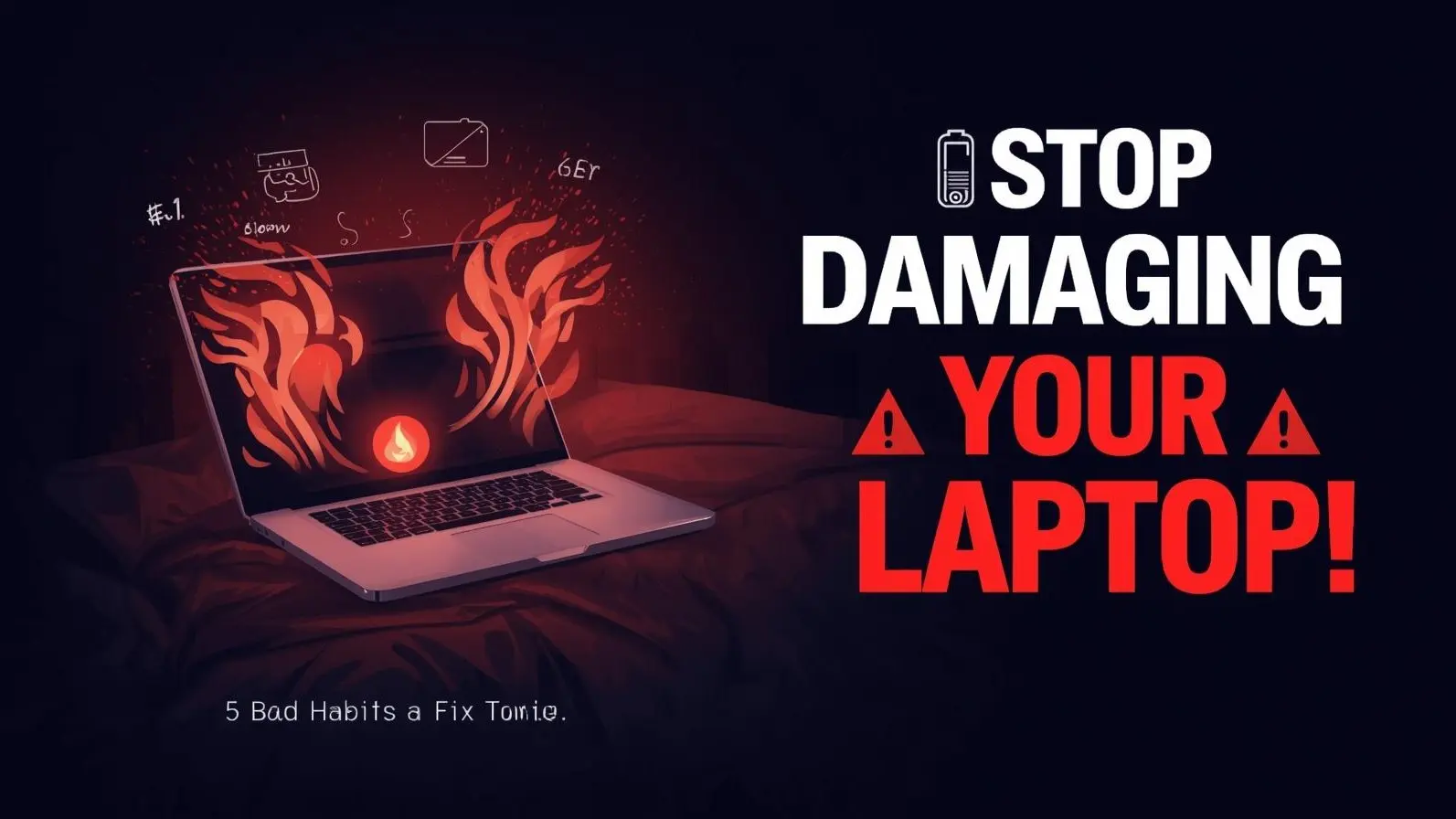
Essential Laptop Guidance: 5 Common Mistakes That Can Gradually Damage Your Device — Take Action Now to Avoid Serious Issues
Your laptop serves as a key daily tool for work, study, or leisure activities. However, many users may unwittingly engage in habits that can adversely affect their device's performance, harm its internal parts, and shorten its lifespan.
Neglecting these minor oversights can result in slowed operations, overheating, battery issues, and even irreversible damage. Thankfully, many of these problems are straightforward to address once you identify them.
Using Your Laptop on Soft Surfaces
Although using your laptop on a soft surface like a bed or sofa may feel cozy, it can cause significant damage. Laptops are equipped with cooling vents positioned at the bottom or sides, which can be obstructed by soft materials.
Blocked airflow can lead to heat buildup, causing overheating that could damage critical components such as the processor, motherboard, and battery.
To avoid this risk, always place your laptop on a rigid, flat surface like a desk or table. If necessary, consider investing in a cooling pad for better airflow.
Neglecting Overheating Signs
Heat is a major adversary for any electronic device. Many users disregard symptoms like warm surfaces, loud fan sounds, or unexpected slowdowns under the assumption that they are normal.
Chronic overheating can diminish the longevity of internal components and might even cause abrupt shutdowns. Often, dust accumulation inside the laptop is a key factor in this concern.
Regularly clearing your laptop vents and ensuring adequate ventilation can help maintain optimal temperatures and enhance performance.
Continuous Connection to Power
While keeping your laptop plugged in might seem convenient, it can gradually harm the battery. Most modern laptops utilize lithium-ion batteries, which perform better when they are frequently charged and discharged.
Maintaining the battery at full capacity for extended periods can diminish its overall lifespan. This could result in faster drainage and earlier battery replacement than anticipated.
A more effective strategy is to keep the battery level between 20% and 80% whenever feasible, unplugging it once charged.
Forgetting to Update Software and System
Bypassing system updates may save time now, but it could lead to significant issues in the future. Updates typically encompass security enhancements, bug fixes, and performance upgrades.
Running outdated software can expose your laptop to malware, slow its operation, and create compatibility issues with newer applications.
Regardless of whether you utilize Windows or macOS, regularly updating your system is crucial for security and optimal performance.
Careless Handling and Neglect
Many users handle their laptops without the care they're due, often not realizing the potential damage this may cause over time. Common negligent behaviors include:
- Forcefully closing the lid
- Transporting the laptop without adequate protection
- Eating or drinking nearby
- Failing to clean the keyboard and screen
Dirt, spills, and physical impacts can harm delicate components and result in costly repairs. By using a protective sleeve, routinely cleaning, and treating the device with care, you can significantly extend its lifespan.
Potential Consequences of Ignoring These Habits
While these bad habits may not yield immediate issues, they can eventually lead to:
- Decreased performance and lag
- Frequent overheating and shutdowns
- Battery deterioration
- Hardware failures and expensive repairs
Implementing preventive measures today can save you from serious problems down the line.
Simple Changes for a Greater Impact
Transforming your laptop habits doesn’t require specialized knowledge. Small adjustments such as using the correct surface, managing battery life, keeping software current, and maintaining cleanliness can greatly elevate performance and longevity.
Remember, consistency is essential. Adhering to these guidelines regularly will enable your laptop to function smoothly for years to come.
Disclaimer
This article serves informational purposes only. Laptop performance and longevity may vary based on the brand, usage, and environmental factors.